Getting your WhatsApp business number blocked is not a slow, gradual thing. One morning your campaigns are going out fine. The next, your number has a quality rating in the red, your message delivery has dropped to near zero, and Meta has flagged your account for review. It happens fast — and recovering from it is painful.
Most businesses that get blocked aren’t running scams. They’re just sending messages the wrong way — too many, too often, to the wrong people, with the wrong content. The intent was legitimate. The execution got them banned.
WhatsApp bulk messaging done right is one of the most effective marketing channels available. Done wrong, it gets your number shut down and your business reputation dented. Here’s exactly how to stay on the right side of that line.
Understand How Meta Actually Decides to Block You
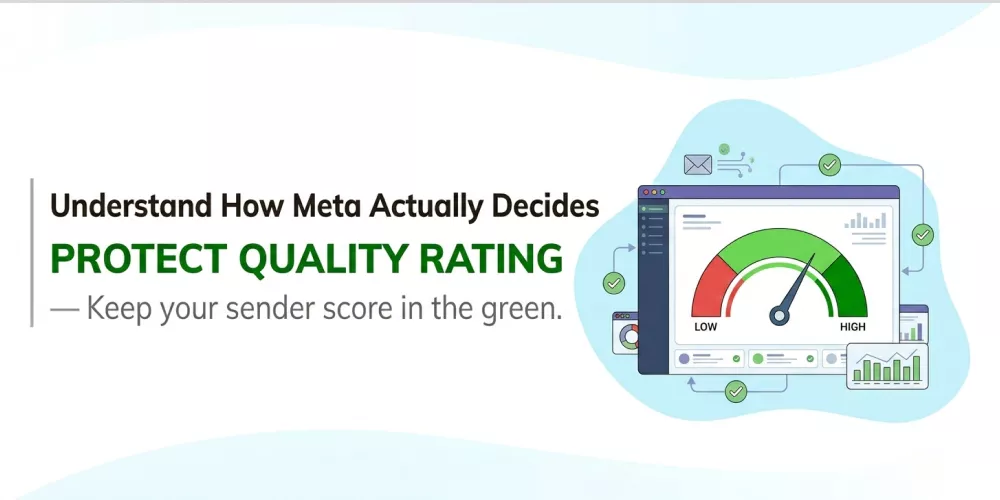
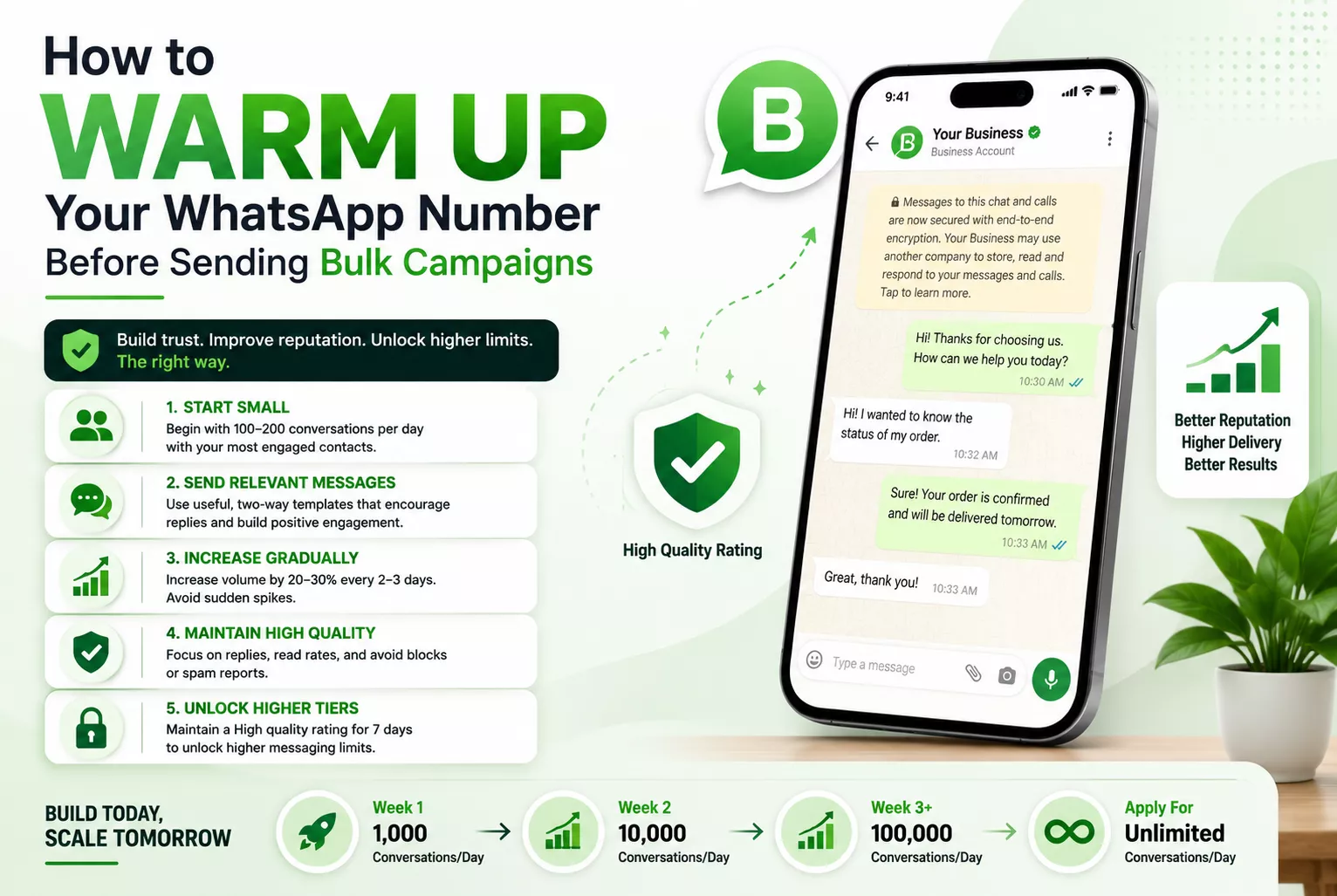
Meta doesn’t have someone manually reviewing your campaigns. It runs a scoring system called Phone Number Quality Rating — and it updates in real time based on how recipients react to your messages. The score has three states: High (green), Medium (yellow), and Low (red). Drop to red and your messaging limits shrink. Stay there and your number gets banned.
What drives the score down? Reports. When someone receives your message and taps “Block and Report”, that registers as a negative signal. Enough of those relative to your send volume and you’re flagged. It’s not the absolute number of reports — it’s the ratio. Which means sending to a poorly matched list at high volume is far more dangerous than sending to a tight, engaged list.
The other trigger is messaging limits. New WhatsApp Business API accounts start with a tier limit — typically 1,000 conversations per day. Try to blast 50,000 messages on day one and the system flags it immediately. You earn higher tiers by maintaining a good quality rating over time, not by pushing volume from the start.
Only Message People Who Actually Opted In
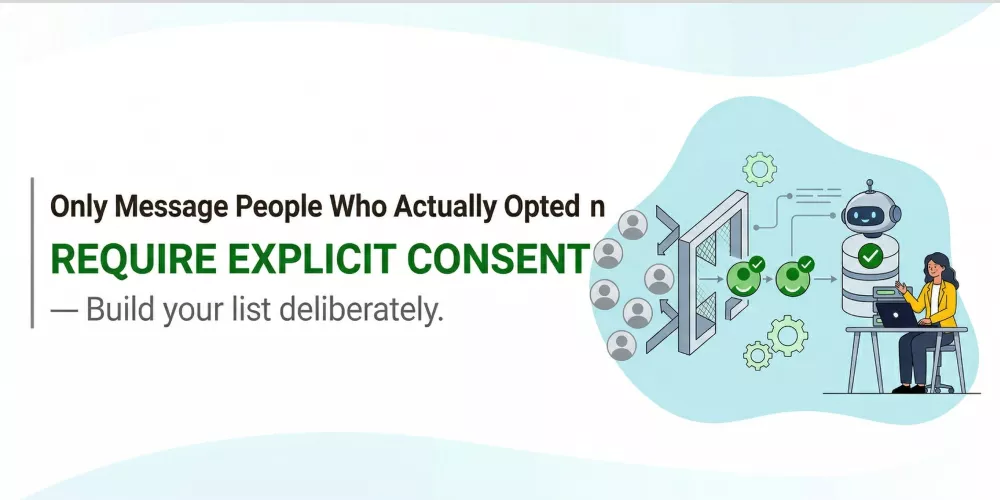
This is the single biggest reason businesses get blocked: they bought a list, scraped contacts from somewhere, or added numbers from old databases without explicit consent. The people receiving those messages have no idea who you are. They block you. Your quality rating tanks.
Opt-in isn’t just a compliance checkbox. It’s what determines whether a message is received as relevant or as spam. Someone who signed up on your website, filled out an enquiry form, purchased from you, or scanned a QR code to join your WhatsApp list — that person has context. They know why they’re hearing from you. They’re far less likely to report you.
Build your opt-in list deliberately. A clothing brand that grows its WhatsApp list by offering early access to sales in exchange for sign-ups will have a far healthier sender reputation than one that imports every email address from its CRM and hopes for the best.
The harder truth: a smaller, opted-in list outperforms a massive cold list every time — in deliverability, in responses, and in keeping your account safe.
Use Approved Templates — and Write Them Carefully
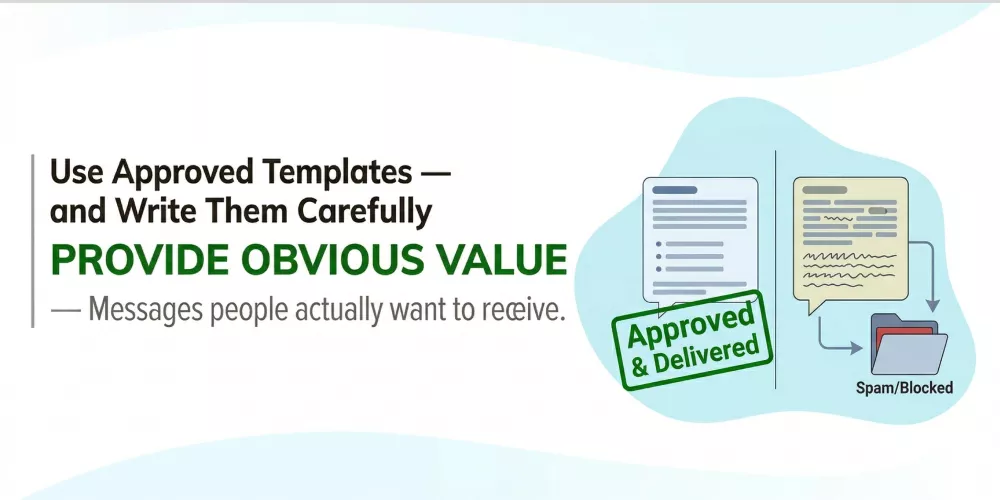
The WhatsApp Business API mandates pre-approved templates for outbound campaigns. A lot of businesses treat template approval as a formality — they write whatever they want, submit it, and are surprised when it gets rejected or, worse, gets approved but generates high block rates.
Template content is directly tied to blocking risk. Messages that feel pushy, misleading, or irrelevant — even if they technically passed Meta’s approval — will get blocked by recipients. The template is approved, but the strategy behind it isn’t.
What works: clear, specific messages with obvious value. “Your appointment on Thursday at 3 PM is confirmed. Reply YES to confirm or NO to reschedule.” That gets a reply, not a report. What doesn’t work: vague promotional blasts that give the recipient no reason to care and no easy way to respond. “Check out our amazing offers this season!” is the kind of message that gets blocked at scale.
At 24/7 Marketing, we write templates with blocking risk in mind from the first draft. The goal isn’t just to get the template approved — it’s to send a message people want to receive.
Control Your Send Volume and Frequency
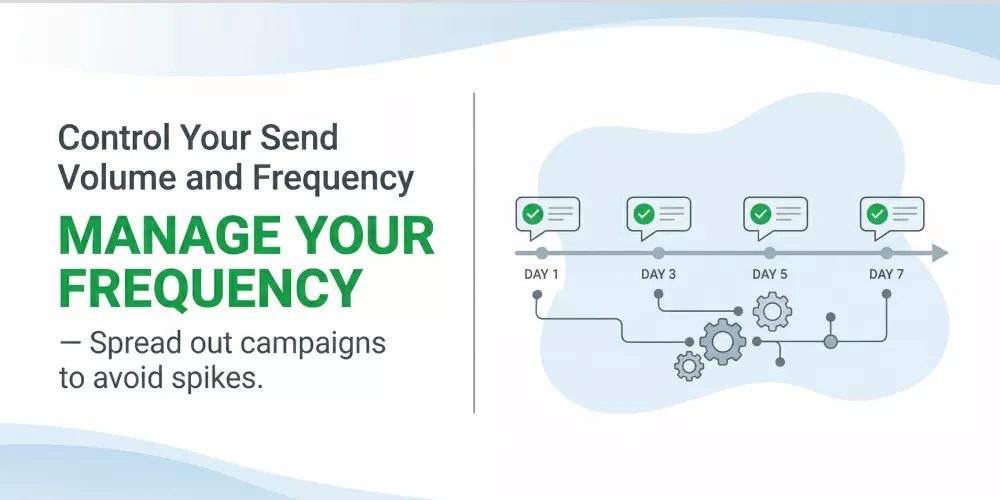
Frequency is where well-meaning businesses damage their own accounts. You have a great offer. You send it Monday. No reply from half the list. You send a reminder Wednesday. Still no reply. You send a final notice Friday. By Friday, three segments of your list have seen three messages in five days and a chunk of them have blocked you.
There’s no universal rule for the right frequency — it depends on your industry, your relationship with the contact, and what you’re sending. But a practical frame: if you wouldn’t be comfortable receiving the same volume of messages from a brand you follow, don’t send it. For promotional campaigns, once or twice a month is a defensible cadence. For transactional messages — order updates, appointment reminders, payment alerts — frequency isn’t the issue because the messages are expected.
Also manage your send rate. Especially for newer accounts, spreading a campaign send over a few hours rather than pushing everything in one burst reduces the spike in potential reports and keeps your quality rating stable.
Segment Your List — Stop Sending Everything to Everyone
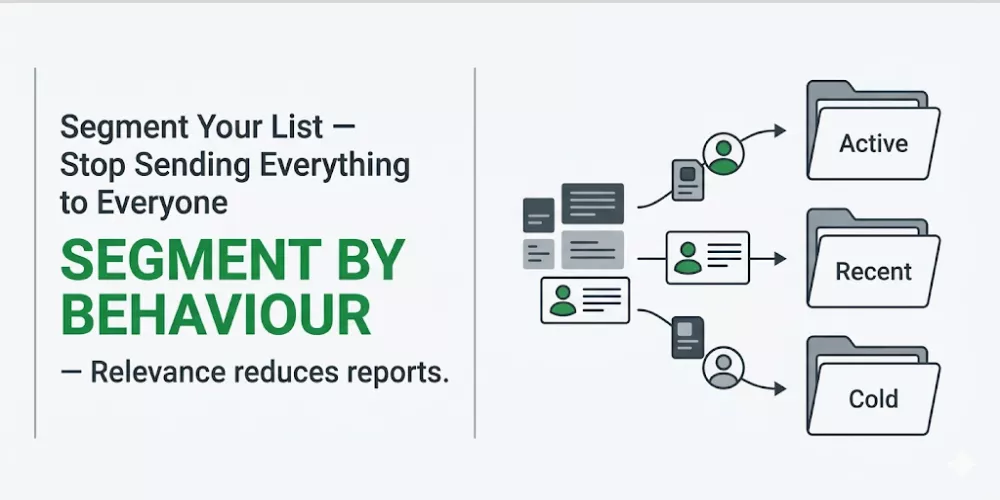
A customer who bought from you six months ago and a cold lead who filled out a form last week are not the same audience. Sending them the same campaign message is what produces irrelevance — and irrelevance produces blocks.
Segment by behaviour, not just by list size. Contacts who’ve opened previous WhatsApp messages are more receptive to another campaign. Contacts who’ve never responded should either get a re-engagement message before your next promo, or be suppressed. Contacts who’ve purchased recently are candidates for upsell messages. Contacts who enquired but never bought need a different approach than loyal repeat customers.
Better segmentation means every message goes to someone who has a reason to care about it. Higher relevance, fewer reports, healthier sender score.
Automate Replies to Keep Conversations Moving (and Recipients Engaged)
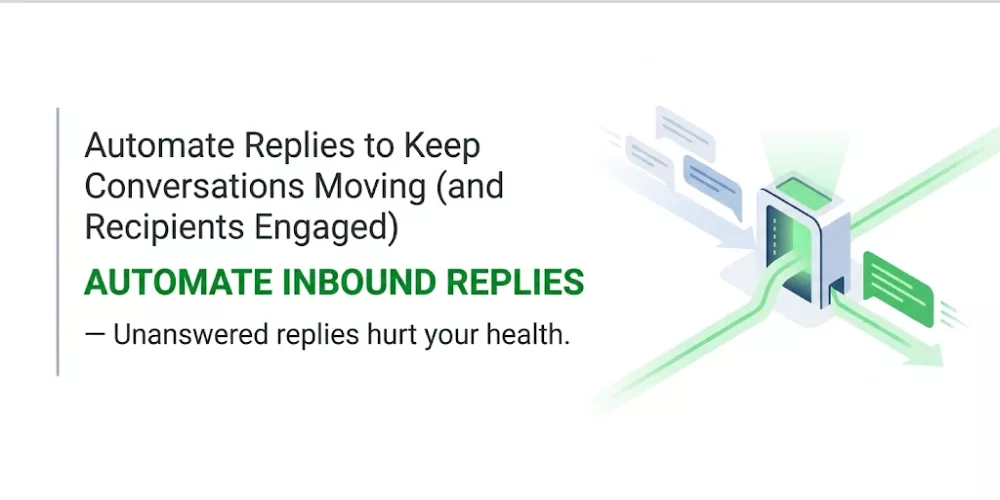
One thing most businesses don’t realise: a campaign that gets replies but leaves them unanswered for hours is actively hurting your WhatsApp health. Engaged contacts who don’t hear back lose trust and are more likely to block on the next message.
Automated reply flows solve this. When a campaign generates inbound responses, automation handles them immediately — even at 2 AM, even when your team is offline. The contact feels heard. The conversation stays warm. And critically, the back-and-forth interaction signals to WhatsApp that your messages are wanted, which protects your quality rating.
Pair this with a multi-agent inbox so that when automation hands off to a human, the conversation doesn’t fall into a black hole. The agent sees the full history, knows the context, and picks up without the contact having to repeat themselves. That experience — fast automation followed by informed human follow-up — is what keeps people engaged rather than frustrated.
The Bottom Line on Staying Unblocked
Getting blocked on WhatsApp isn’t bad luck. It’s the result of specific choices: sending to people who didn’t ask to hear from you, sending too often, writing messages that feel like spam, and not building a system to handle the responses you generate.
Fix those choices and blocking stops being a concern. Your quality rating stays green, your delivery stays consistent, and your campaigns actually reach the people they’re meant for.
At 24/7 Marketing, we set up WhatsApp campaigns built around these principles from day one — proper opt-in contacts, clean templates, controlled frequency, automated reply flows, and a managed inbox that handles the volume without leaving conversations hanging. The goal isn’t just to send messages. It’s to keep sending them.
Want to run WhatsApp campaigns without the risk of getting blocked? Let’s set it up right. Visit 247marketing.in.